 Top up cowries
Blog/Getting started
Checklist: your first week on iHolda
Seven-day onboarding — profile, Moments, one squad, one live watch, guidelines skim.
Join2Save
Team up — unlock up to 50% off
Invite friends. Fill the squad. Everyone saves.
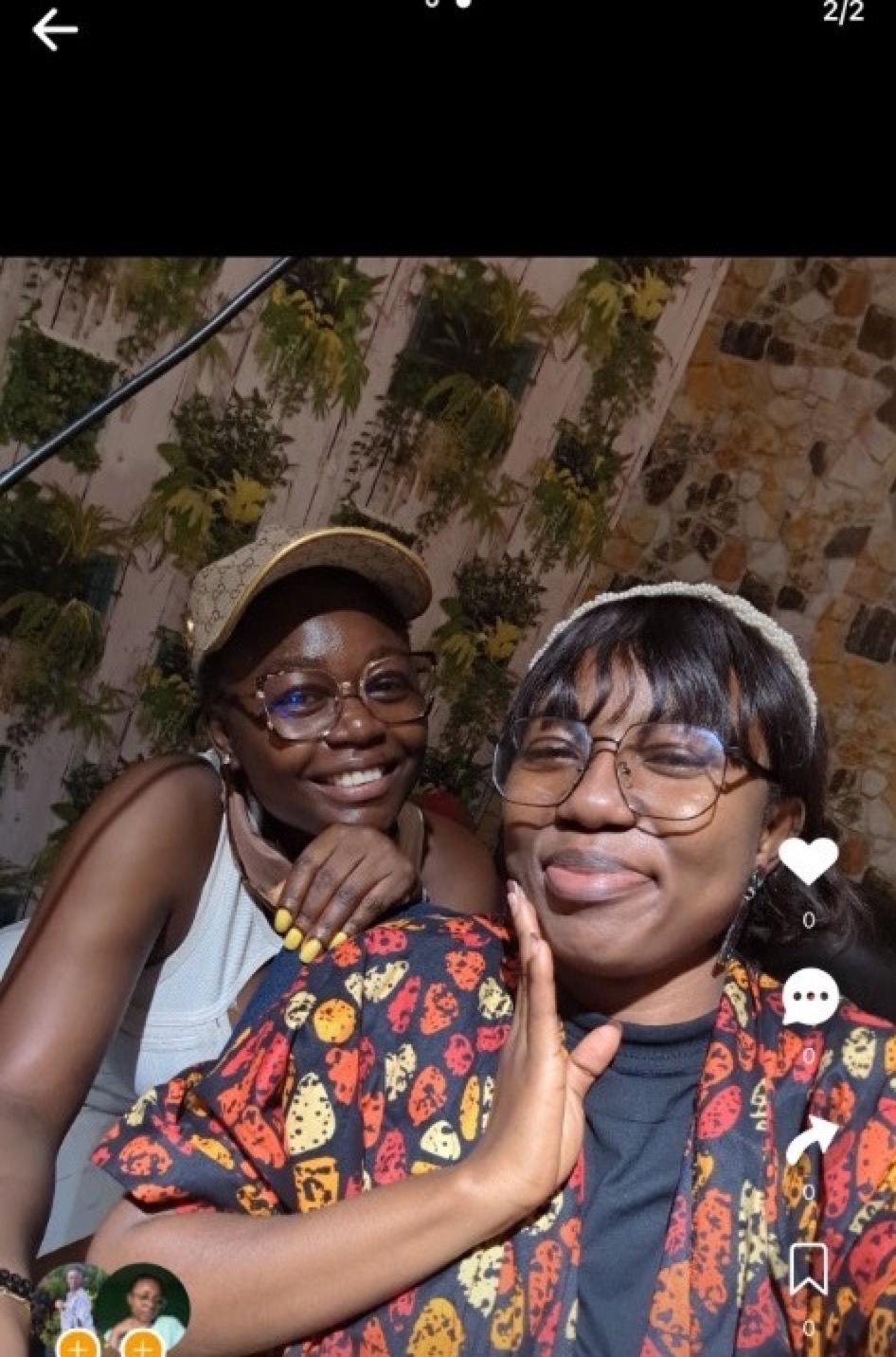
Weekend drop — limited stock


 +2
+23 of 5 joined · 4h left to lock the discount
Your first week on iHolda should build trust habits, not maximize screen time. This seven-day checklist is opinionated — skip steps that do not fit your city yet, but do not skip safety and profile basics.
We wrote this for university cities and towns like Buea where friend-led discovery beats anonymous deals. One honest Moment and one small Join2Save teach more than a hour of scrolling.
Day 1: install, account, guidelines
Download iHolda from the App Store or Google Play. Sign up with the email or phone you will keep — web Cowries top-up must match this login later.
Skim Community Guidelines from Settings before you post, tag, or go live. Know where report and block live so you are not guessing during your first squad or event.
Day 2: public profile that friends recognize
Set photo, bio, and username at iholda.com/@you. Mention campus, neighborhood, or creator niche so Buea and UB friends confirm they found the right account.
Follow five local creators or friends you would actually meet for coffee or market runs — not random viral accounts from other countries.
Day 3: browse Moments like a local
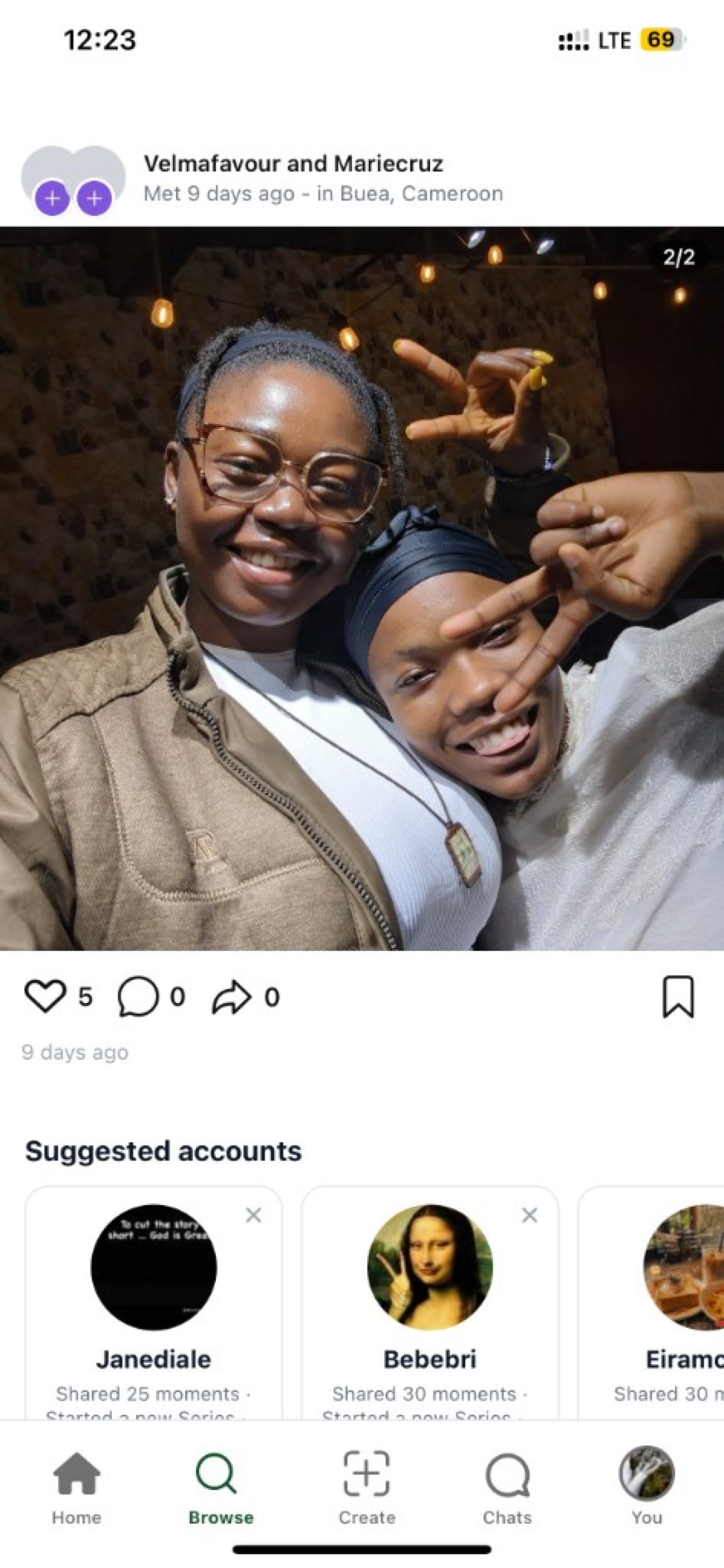
Open Browse → Moments and scroll captures near you. Save one hangout you would attend — saved Moments become planning anchors for squads and events.
Expand one Moment and scrub the shared history rail if it appears. Met-days context preview helps before you join anything commerce-heavy.
Day 4: capture or join one real meetup
If you meet someone IRL at a creator hangout or night market, capture a Moment with consent. One messy honest clip beats ten reposts for trust.
If you cannot meet IRL yet, comment thoughtfully on a local creator post instead of lurking silently — visibility is part of community.
Day 5: one Join2Save, one tagged purchase
Join or start one Join2Save with people you trust — bulk snacks with roommates is enough. Read merchant name, tiers, and pickup location before you claim a seat.
Buy one product from a Tag & earn post you believe in. Notice checkout stays in-app; compare that to DM invoice chaos elsewhere.
@Mariecruz
Tagged 1 product
Loved this look IRL — tap the tag to shop & I earn when you buy 💛
Shoppable tag
Summer tote · Earn on every sale
Day 6: watch live without gifting
Join a live stream silently first. Watch how hosts show tags, answer stock questions, and accept optional Cowries gifts without pressuring chat.
Note audio and price clarity — night-market style selling works when numbers are repeated slowly, not buried in hype.
@Mariecruz
2.4K watching
@Mariecruz just joined
@Ruthie This stream is fire

Gold Lion
@Mariecruz sent a premium gift
Day 7: Cowries math and notifications
If you plan to gift, compare in-app purchase packs vs iholda.com/topup while signed in. The 25% web bonus is intentional — use it if you support creators weekly.
Turn on notifications for live and events you care about so you do not miss a squad closing or a friend hosting a hangout.
- Profile + guidelines (days 1–2)
- Moments discovery + one save (day 3)
- IRL or social proof (day 4)
- One squad + one tag shop (day 5)
- Live watch + optional gifting plan (days 6–7)
Guide: Get started on iHolda
Help: FAQ index