 Top up cowries
Guides/In the app
Follow local creators
Build a feed of people and shops worth meeting IRL.
- 1. Open Browse → Moments or SearchStart local — Moments shows hangouts; Search finds handles and names.
- 2. Open profiles that match your cityRead bios for campus, neighborhood, or market context before following.
- 3. Follow sparinglyFollow accounts you would join for coffee or a squad — quality over quantity.
- 4. Mute instead of unfollow if neededIf posts are noisy but you still want squad ties, adjust notifications per account when available.
- 5. Engage with one tagged postTap a tag once to learn how your friends shop — supports creators without spam.
Steps at a glance
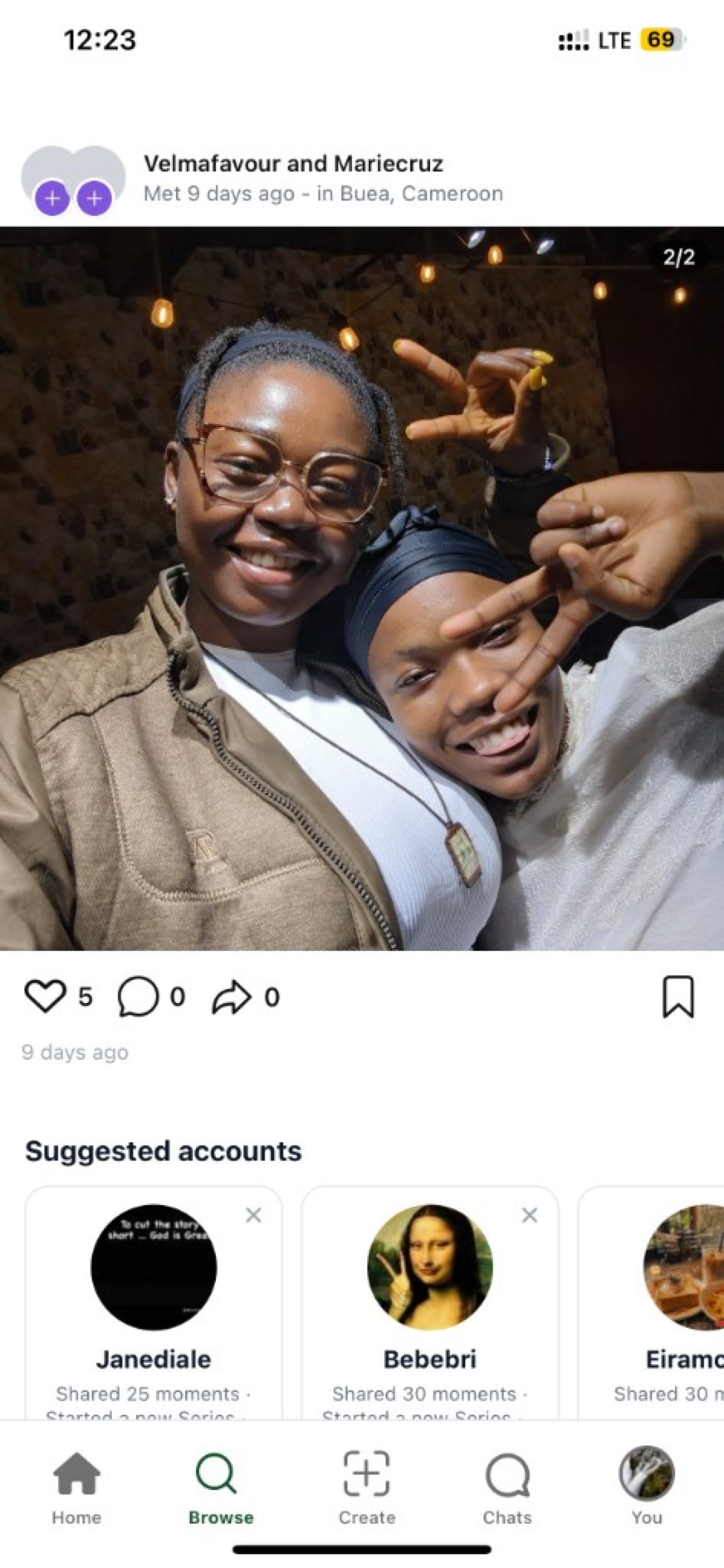
Build a feed of people and shops worth meeting IRL.
Screenshots below match the current iHolda consumer app. Merchants use Cartpo for register and catalog; you do not need Cartpo to complete this flow.
Walkthrough
Open Browse → Moments or Search
Start local — Moments shows hangouts; Search finds handles and names.
After open browse → moments or search, pause and confirm on-screen names, counts, and amounts match what you discussed in chat. Buea and campus circles often coordinate pickup at a familiar gate right after this step.
If the button is disabled, check connectivity or update the app — live, checkout, and invite flows need a current build from the store.
Open profiles that match your city
Read bios for campus, neighborhood, or market context before following.
After open profiles that match your city, pause and confirm on-screen names, counts, and amounts match what you discussed in chat. Buea and campus circles often coordinate pickup at a familiar gate right after this step.
If the button is disabled, check connectivity or update the app — live, checkout, and invite flows need a current build from the store.
Follow sparingly
Follow accounts you would join for coffee or a squad — quality over quantity.
After follow sparingly, pause and confirm on-screen names, counts, and amounts match what you discussed in chat. Buea and campus circles often coordinate pickup at a familiar gate right after this step.
If the button is disabled, check connectivity or update the app — live, checkout, and invite flows need a current build from the store.
Mute instead of unfollow if needed
If posts are noisy but you still want squad ties, adjust notifications per account when available.
After mute instead of unfollow if needed, pause and confirm on-screen names, counts, and amounts match what you discussed in chat. Buea and campus circles often coordinate pickup at a familiar gate right after this step.
If the button is disabled, check connectivity or update the app — live, checkout, and invite flows need a current build from the store.
Engage with one tagged post
Tap a tag once to learn how your friends shop — supports creators without spam.
After engage with one tagged post, pause and confirm on-screen names, counts, and amounts match what you discussed in chat. Buea and campus circles often coordinate pickup at a familiar gate right after this step.
If the button is disabled, check connectivity or update the app — live, checkout, and invite flows need a current build from the store.
Help: FAQ index
After you finish
Log out and back in once if balances or invites look stale — sync can lag a minute after web checkout or large squad updates.
Share what worked with one friend in Buea or campus chat; friend-led discovery beats guessing from empty feeds.
Related help lives in the FAQ hub and blog cluster pages — search your exact symptom before you retry a payment or invite.